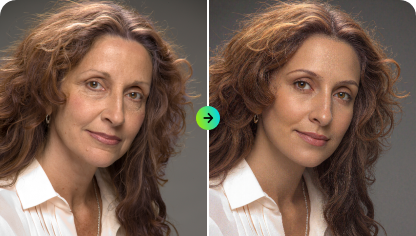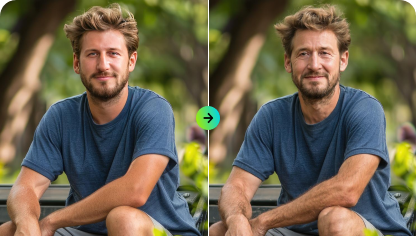
From blurry to sharp, upscale small images without losing quality, and bring old memories back to life.
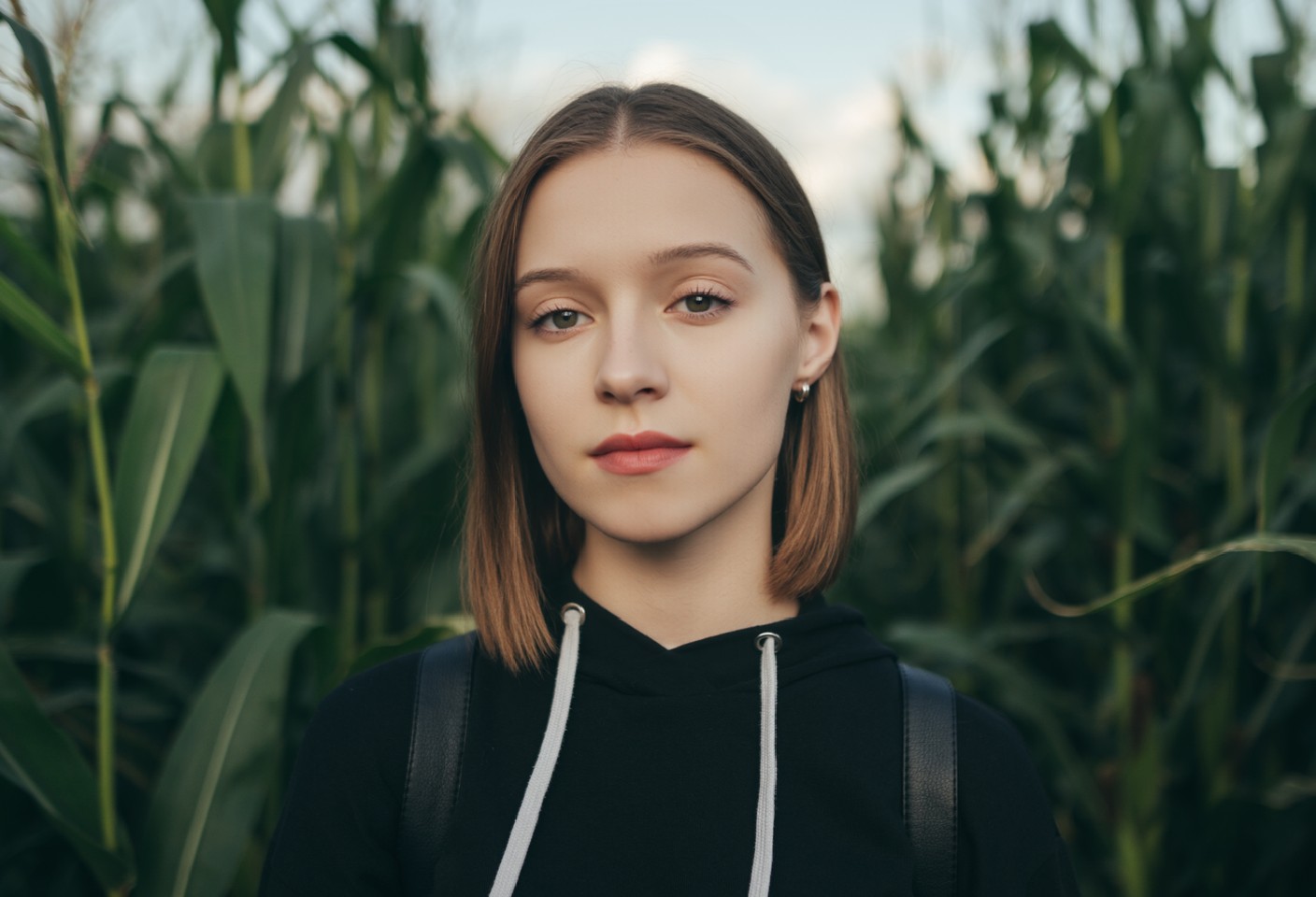

Click “Upload Image” to choose a JPG, PNG, or other supported format. For best results, select a photo where the subject is clear and well-defined.

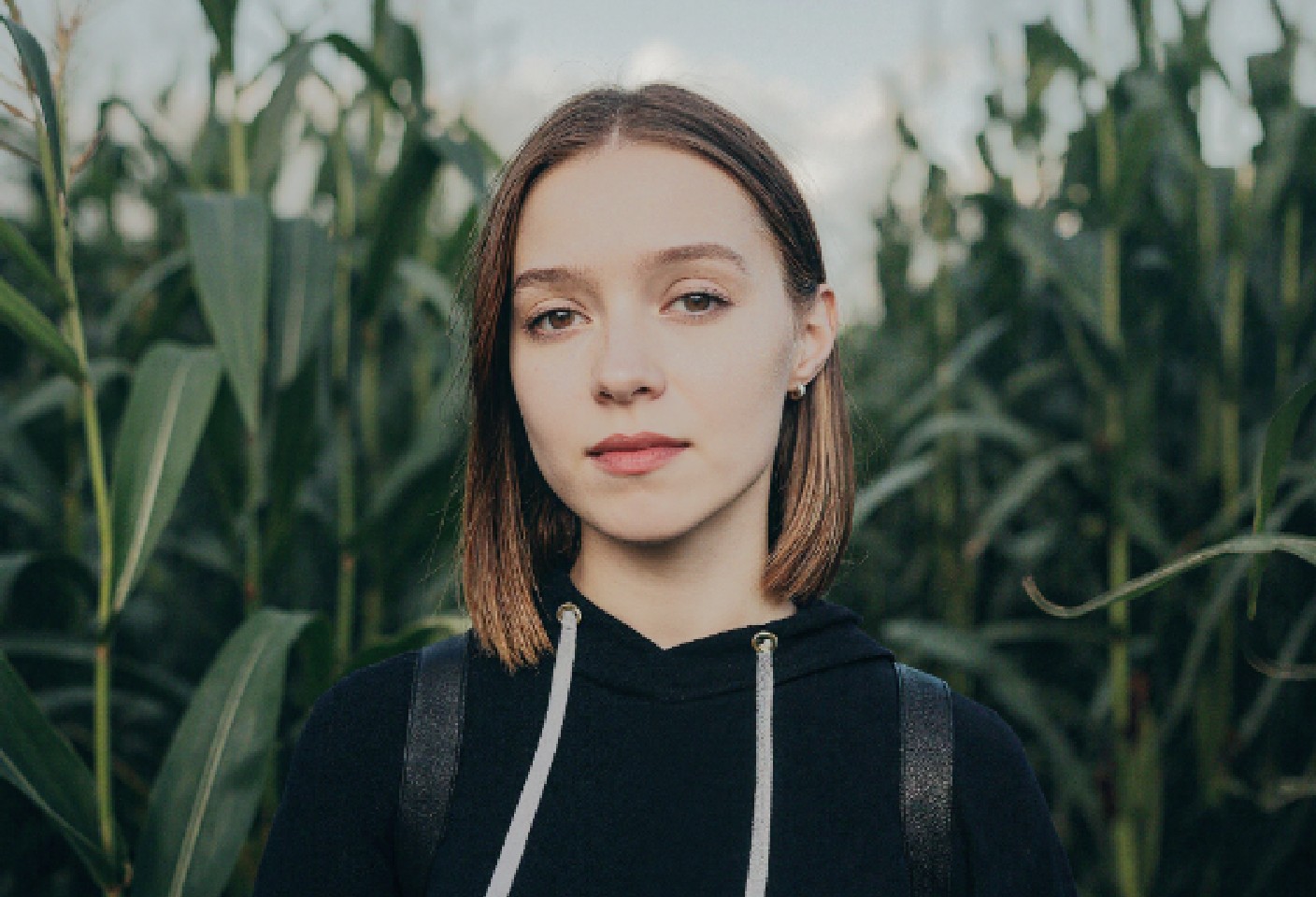
Click “Enhance” to let our AI instantly sharpen details,restore natural colors, remove blur, and revive every feature.

Compare before and after, make adjustments if needed, then click “Download Image” to save your high-definition photo for social sharing or personal use.
Say goodbye to blurry photos forever! With a single click, our powerful AI instantly sharpens images, restores missing facial details, and enhances every portrait in stunning high definition. Turn old, unclear, or shaky shots into crisp, vibrant pictures that look freshly captured—perfect for preserving memories and making every face shine with clarity.
Try for Free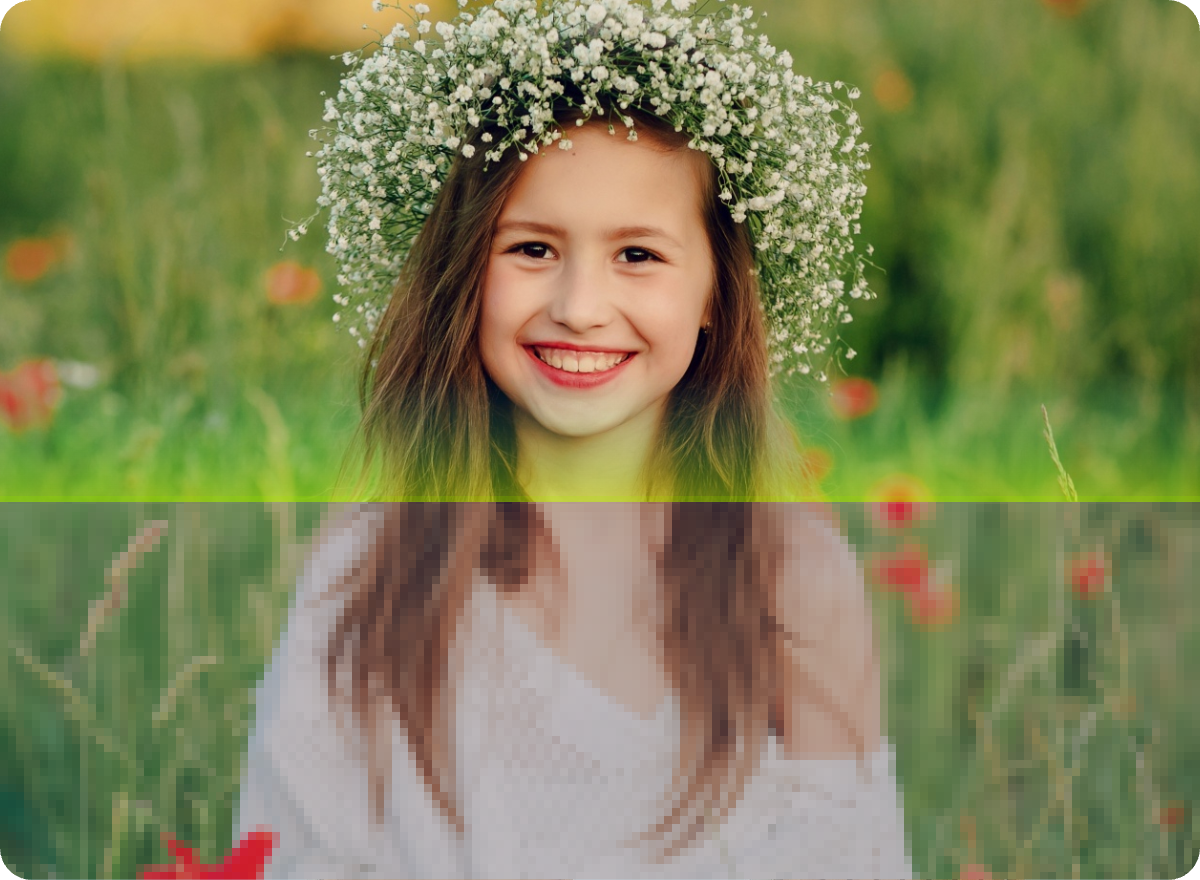
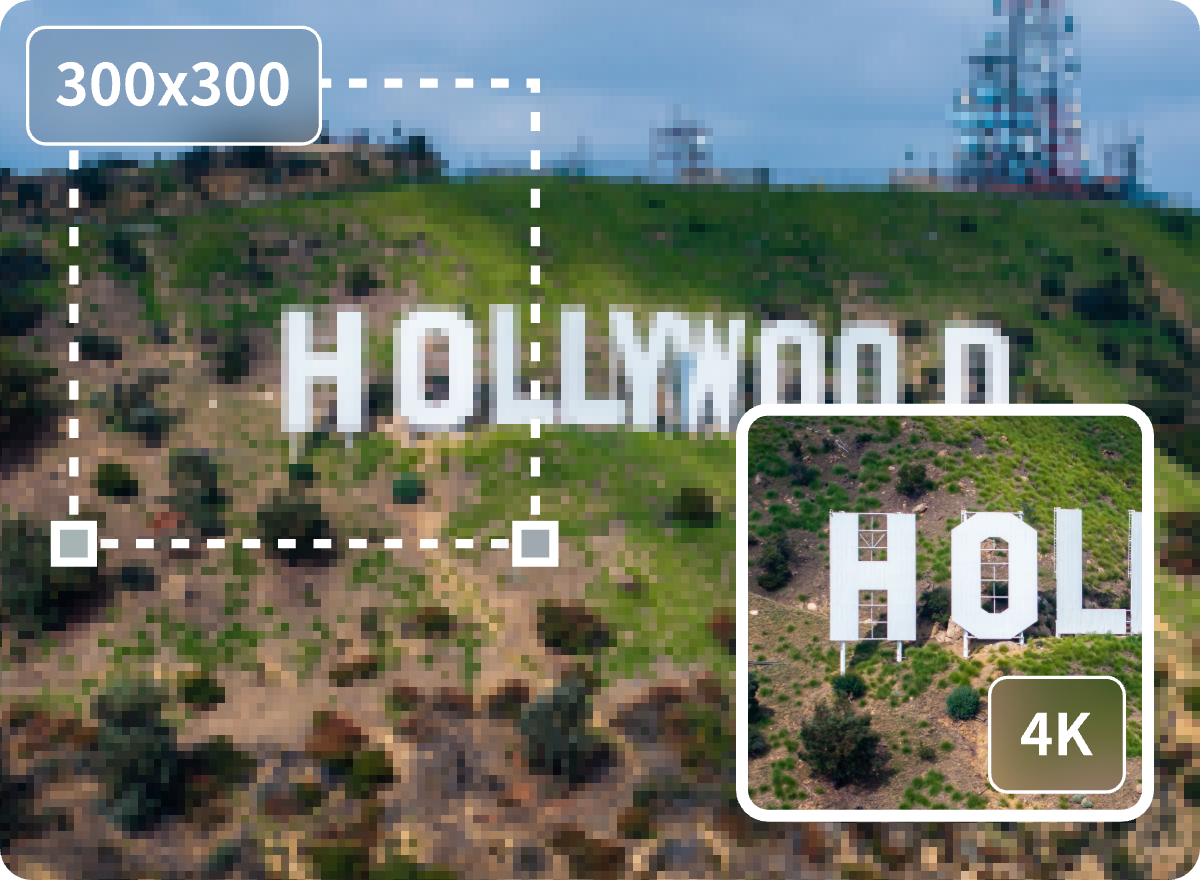
No matter how small your photo is, our AI photo upscale technology enlarges images without losing quality. Every pixel is enhanced for sharpness and clarity, ensuring high-resolution results without blur or distortion. Whether you’re enlarging pictures for printing, sharing online, or restoring old low-res memories, enjoy crystal-clear image enlargement that looks naturally detailed and beautifully refined.
Try for FreeTry these picture tools to get even more amazing results with your images.